Until now the music in Anubis City simply followed you around: the city theme in the square, a calmer one at the poker table. Today the Sound tab in the settings gets a small player, and the music becomes a little more yours.
What the player does
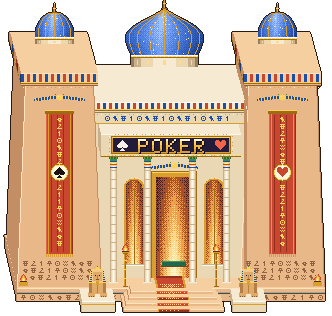
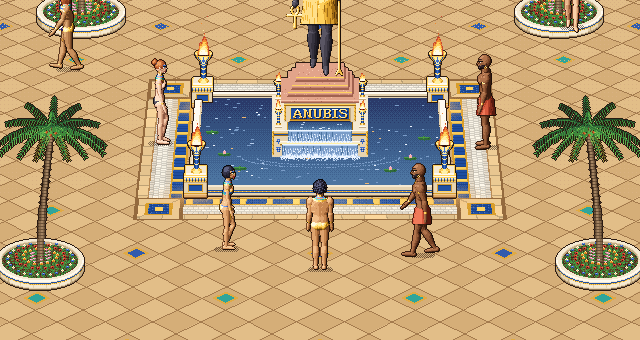
- Each place still starts with its own theme — “Anubis Nights” in the city, “Temple of Fortune” in the poker hall.
- A theme plays its full pass, fades out on its last note and, after a short breath, the next one begins.
- The repeat button keeps one theme playing for as long as you like.
- The ⏮ and ⏭ buttons switch themes straight away, with a smooth crossfade.
- Pause silences only the music: the fountain, the crowd and the cards keep sounding, and the tune resumes exactly where it stopped.
- A progress bar shows where you are in the theme and which one comes next.
Your choice of repeat and pause is remembered on your device.
The settings window on phones
While we were at it, we reworked the whole settings window for small screens: on a phone the tabs share the width evenly, sliders get the whole line, the player controls grow bigger and move to their own row, and every button is easy to hit with a finger.